










 Score breakdown
 Features
Cloudstream is a free, open-source Android app for streaming and downloading movies, TV shows, anime and more. It’s developed on GitHub by the recloudstream team, has more than 10,000 stars and is released under the GPL-3.0 licence. The twist: Cloudstream itself doesn’t come with any content – everything you watch comes from extensions made by third-party developers that you add yourself.
How does Cloudstream work?
Out of the box, Cloudstream is an empty player with a clean, Netflix-style interface. To make it useful you add extension repositories: each repository contains plugins that search specific websites and show their movies, series or anime inside the app. The Cloudstream team keeps a public list of community repositories, and you add them from the app’s settings in a couple of taps. The developers state clearly that they don’t control or maintain these extensions – they are third-party code.
Once your extensions are set up, Cloudstream gives you:
- one search across all your sources, with posters, descriptions and episodes;
- downloads for offline viewing;
- subtitles, a built-in player and support for external players;
- an interface that also works on Android TV and TV boxes;
- no ads in the app itself and no account required.
Where to download Cloudstream (and how to avoid fakes)
Cloudstream is not on the Google Play Store. The only official source is the project’s GitHub repository (github.com/recloudstream/cloudstream) and its releases page. The old website, recloudstream.github.io, was taken down in November 2026 after a DMCA notice – sites that still claim to be “the official Cloudstream website” are not. “Cloudstream” apps on Google Play or random APK sites are not the official project – some are copies full of ads, others can contain malware. To install the official APK you’ll need to allow installs from unknown sources for your browser or file manager, then switch it off again.
Is Cloudstream safe?
The app itself is open source: anyone can read its code, which makes it one of the most transparent apps of this kind. The risks are elsewhere:
- Extensions are third-party code: only add repositories from the official community list or sources you trust, because a plugin runs inside the app.
- The websites the extensions pull from can be unreliable and may change or disappear.
- Fake Cloudstream APKs are common – stick to GitHub.
Streaming through extensions works like streaming from the websites themselves, so a VPN is useful if those sites are blocked where you live – see our VPN reviews.
Cloudstream vs Stremio
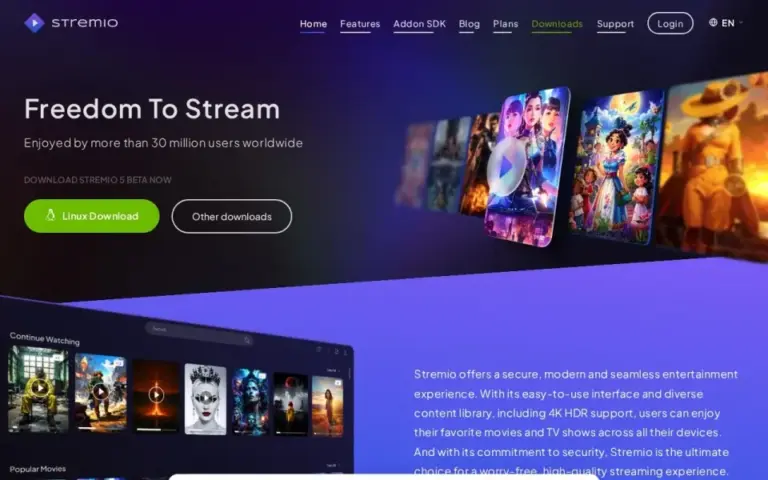
Stremio is a polished media center available on almost every platform, built around addons and often used with debrid services. Cloudstream is Android-only and more of a power-user tool: fully open source, no account, and extensions that scrape streaming sites directly. If you like tinkering on Android, Cloudstream is hard to beat; if you want something that also runs on your PC and TV with one account, look at Stremio.
Cloudstream FAQ
Is Cloudstream on the Play Store?
No. The official app is only on GitHub (github.com/recloudstream/cloudstream); Play Store versions are not official.
Is the Cloudstream website down?
Yes: recloudstream.github.io was removed in November 2026 after a DMCA takedown. The GitHub repository is still the official place to download the app.
Why is Cloudstream empty after installing it?
Because it ships without content. Add an extension repository from the settings and install the extensions you want.
Does Cloudstream work on Android TV and Fire TV?
Yes, it has a TV-friendly layout and can be sideloaded on Android TV boxes and Fire TV devices.
Is Cloudstream free?
Yes, it’s free and open source, with no ads in the app.
What are the best Cloudstream alternatives?
Stremio, or see our list of Cloudstream alternatives.
Our verdict on Cloudstream
Cloudstream is one of the best streaming apps for Android if you’re happy to set it up: open source, no ads, no account, downloads and Android TV support. Just remember that it’s only as good – and as safe – as the extensions you add, and download it from the GitHub repository only.
 The good
 The bad

 Stay safe
Use an ad blocker (uBlock Origin) and a VPN, never install "downloaders" or browser extensions a site asks for, and scan every file before opening it.
 Stremio

 MovieBox

 Android Apps
 Anime
 Download / DDL
 Forums & Community
 Streaming
 Torrent
 VPN